




Start Here: Your First Printable Coloring Book (Simple, Not Perfect
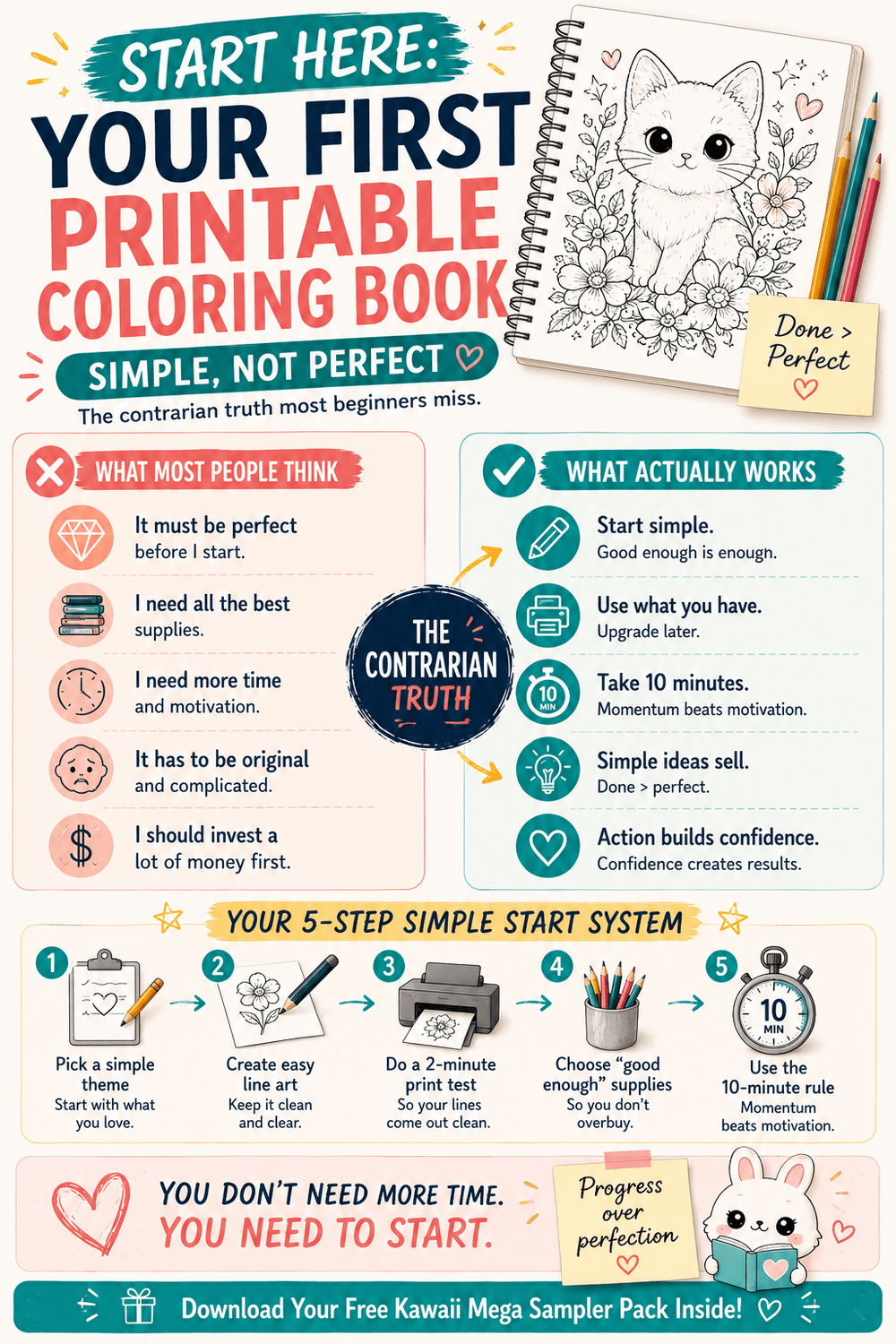
Don't try to pick the "perfect" book - pick a theme you'll actually print.
Start with a few pages, not the whole book.
Do one quick print test so your lines look crisp and clean
Keep it fun: 10 minutes is enough to build momentum.
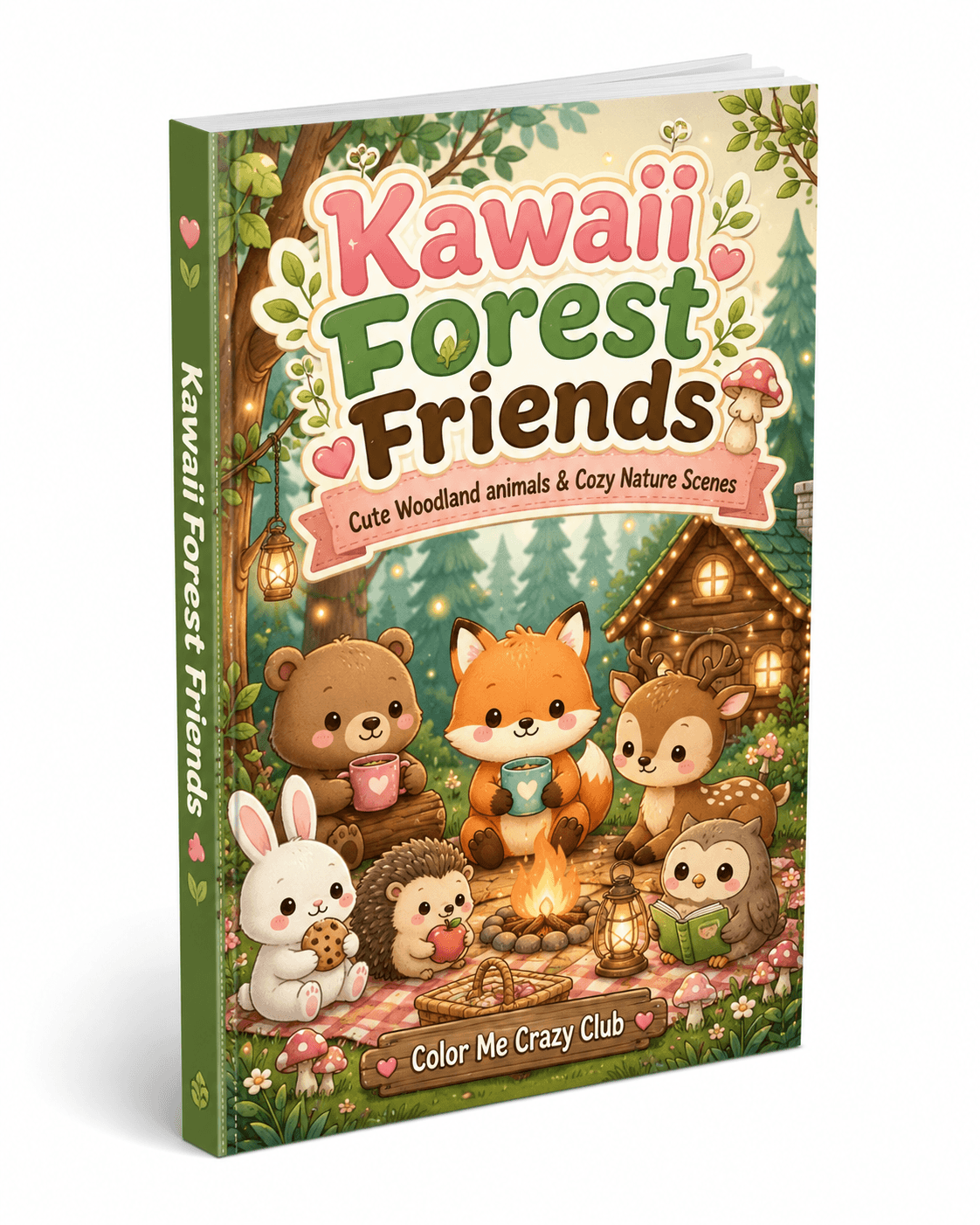
If you want an easy first pick, start with a cute theme like Kawaii Forest Friends.
I you're new to printable coloring books, it's really easy to get stuck at the starting line.
You find a book you like....then you wonder:
"What paper should I use?"
"What if it prints weird?"
"What if I pick the wrong one?"
Do I need fancy markers / pencils?
Here's the truth: you don't need a perfect setup. You just need a first print that feels good. Once you get that first win, everything gets easier.
This post is your "start here" prelude - the simple way to choose your first printable coloring book, print it cleanly, and actually start coloring this week.
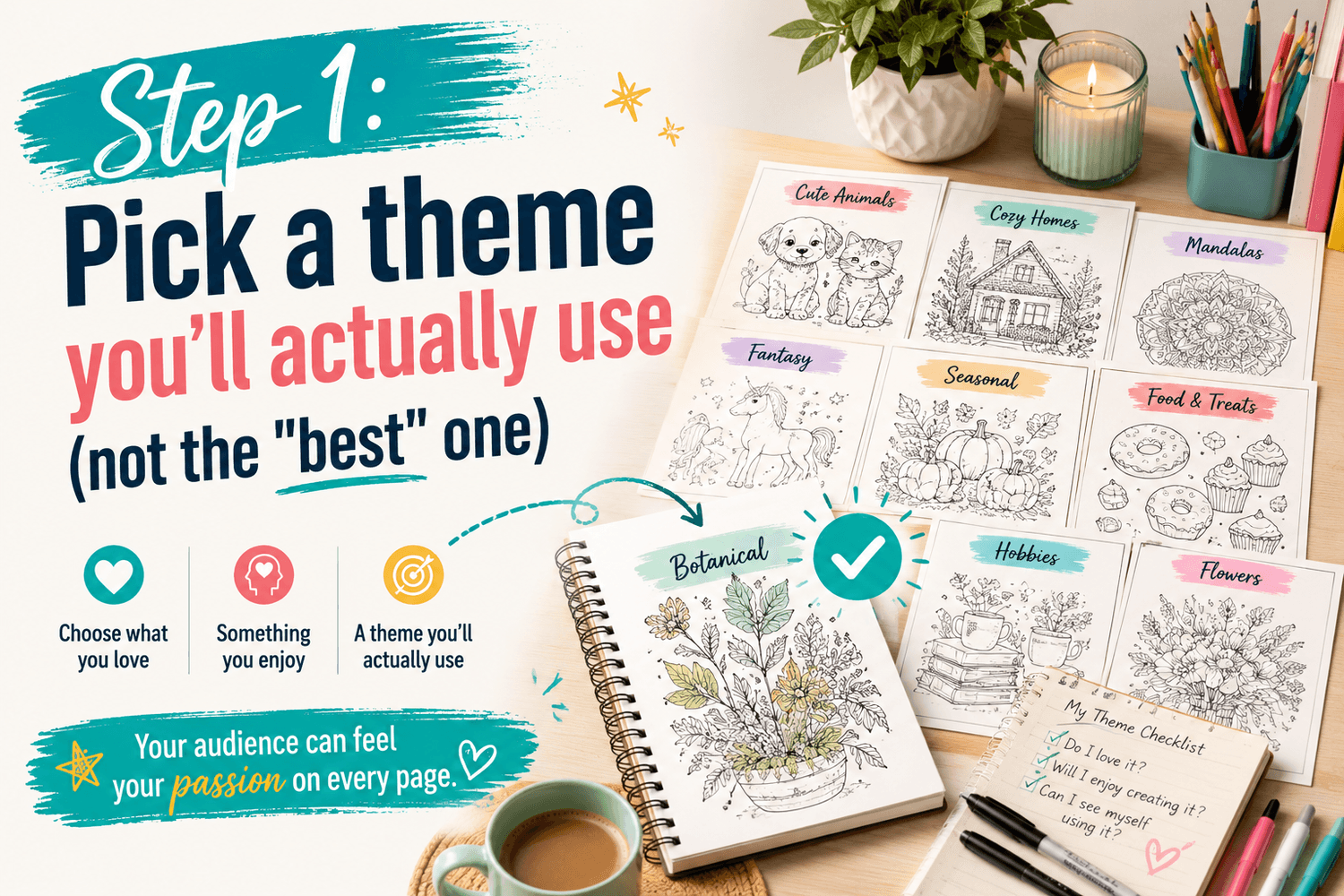
Step 1: Pick a theme you'll actually use (not the "best" one
The fastest way to quit is choosing something you think you should like.
Instead, pick a theme that makes you want to sit down and color for 10 minutes - even if your week is chaotic.
A few easy "starter" theme types:
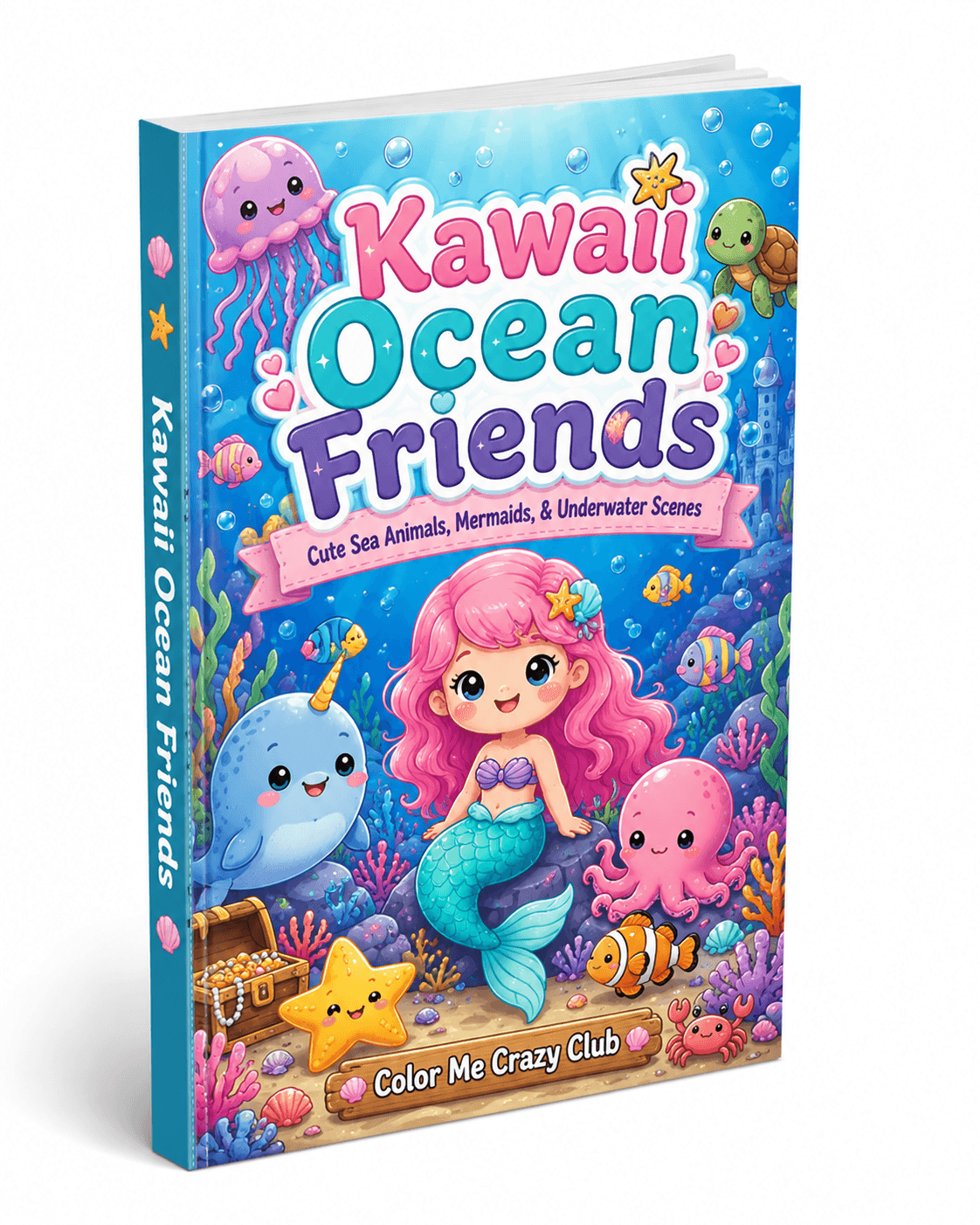
Cute / kawaii (low pressure, fun, quick wins)
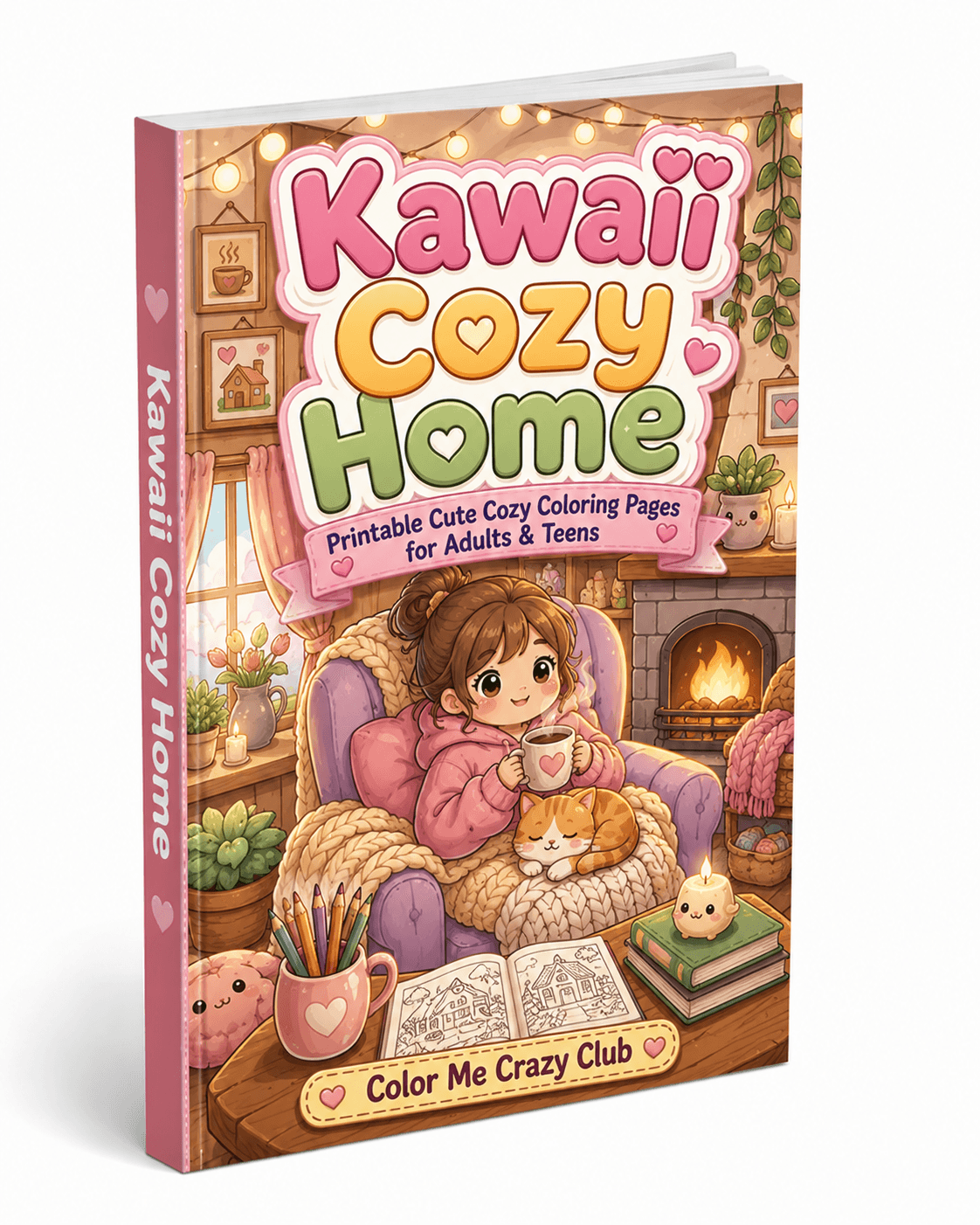
Cozy scenes (relaxing, comforting)
Simple animals (easy to finish a page)
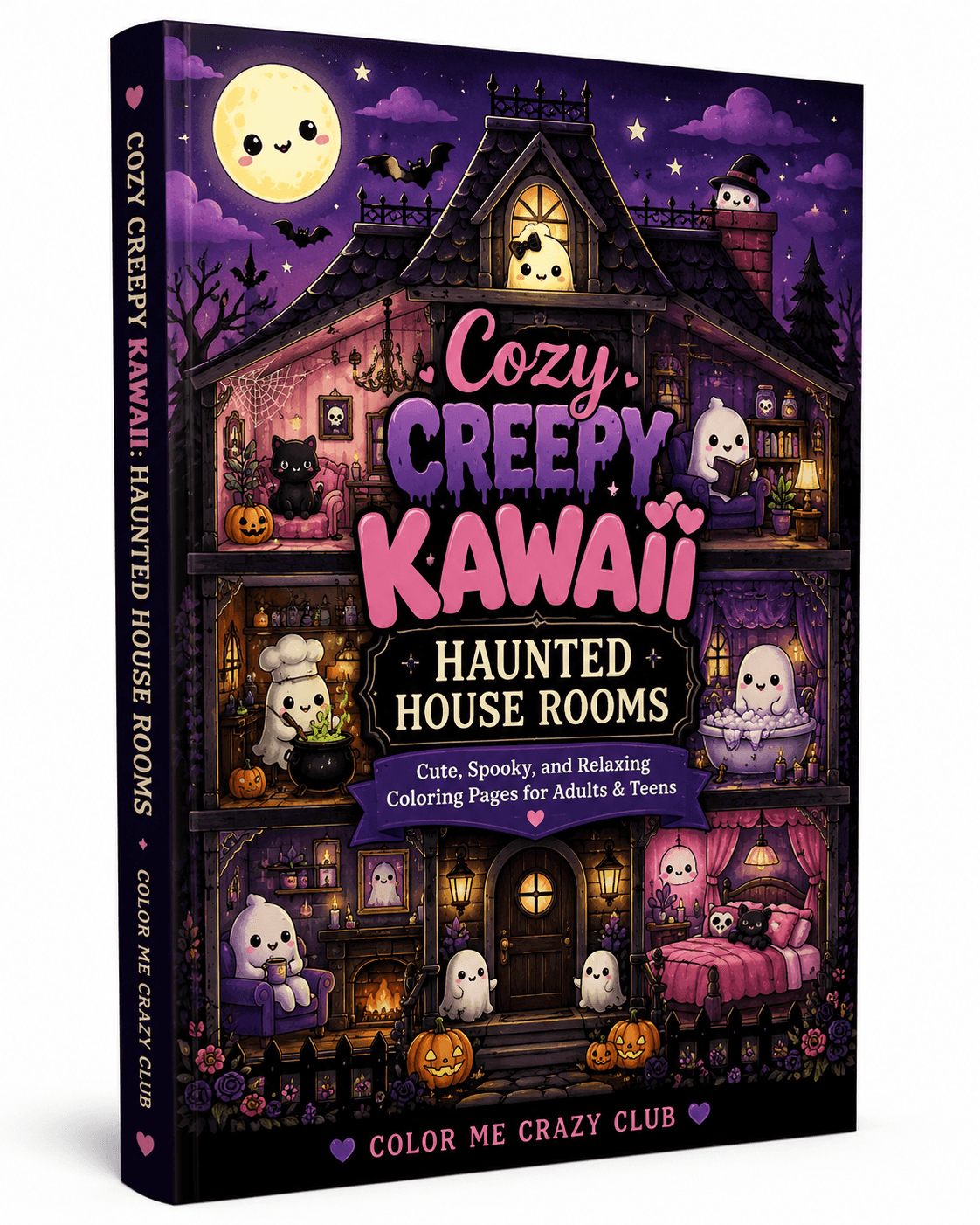
Seasonal (gives you a reason to print right now)
If you want a super beginner - friendly first pick, Kawaii Forest Friends is a great place to start - cute characters, relaxing vibe, and it's the kind of theme most people will actually finish.
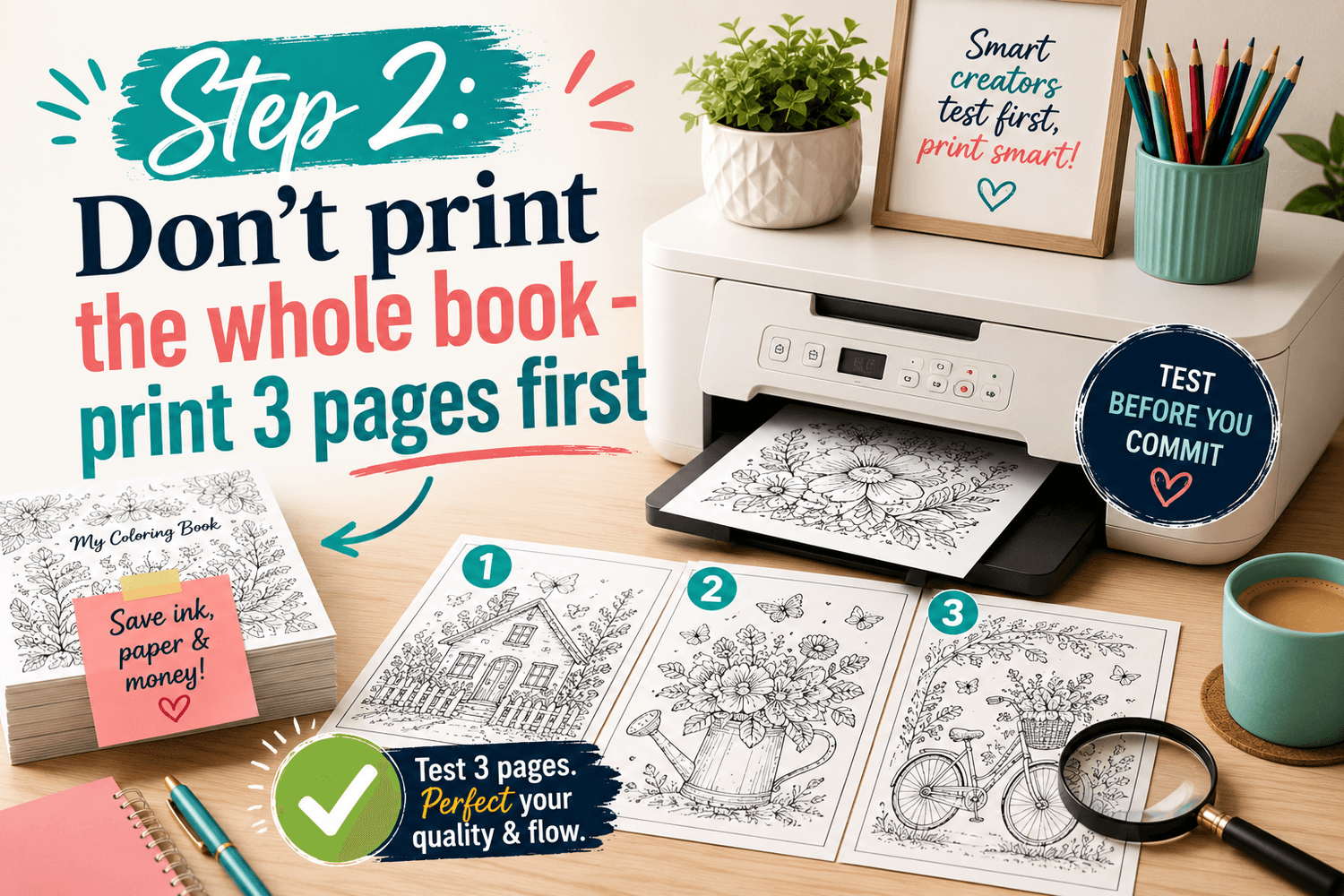
Step 2: Don't print the whole book - print 3 pages first
This is the biggest "start today" trick I know.
Instead of printing everything and turning it into a project, print:
1 page you're excited about
1 page that looks "easy"
1 page that looks a tiny bit challenging
That gives you variety without overwhelm. And if you decide you want different paper or settings, you haven't wasted a full stack.
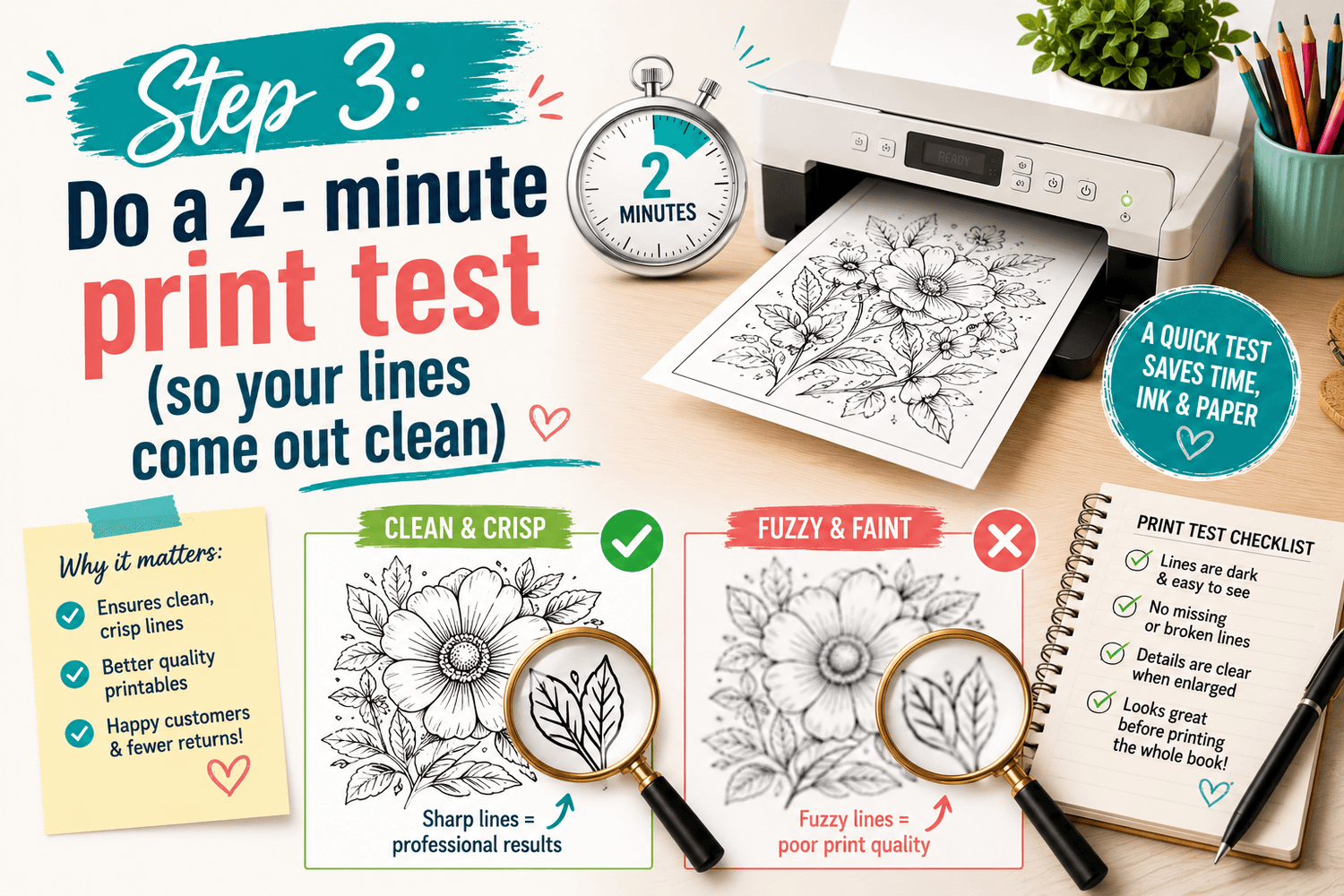
Step 3: Do a 2 - minute print test (so your lines come out clean)
Printables are supposed to feel easy. The only time they feel annoying is when the print comes out:
too light
too fuzzy
too gray
or the page scales weird and cuts off the border
Here's a simple print test that fixes most of that:
Quick print test checklist
Set scaling to "Actual size" or "100%" (avoid "Fit to page" if it crops)
Turn on Best / high quality print mode (if your printer has it)
If the lines look faint, try plain white cardstock (it's a cheat code)
Print 1 page first, then adjust
You don't need to be technical. You just want crisp lines and a page that feels good to color.
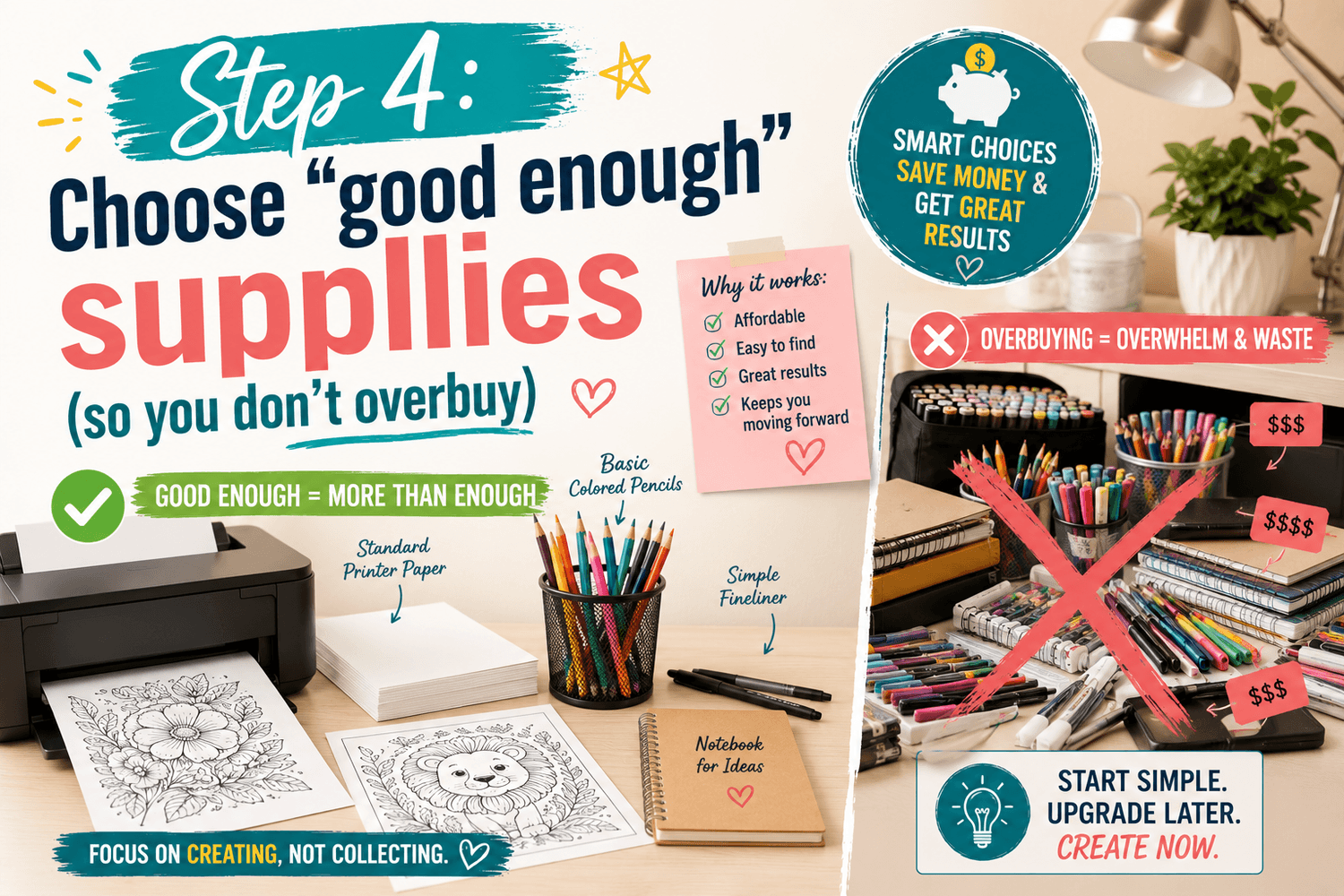
Step 4: Choose "good enough" supplies (so you don't overbuy)
You can color printables with what you already have.
If you're deciding between tools, here's the simplest guidance:
Colored pencils = easiest to control, great for layering
Markers = bold and fun, but can bleed through thin paper
Gel pens = great for accents and details
If you're brand new: start with pencils. You'll get cleaner results fast, and it's easier to build confidence.
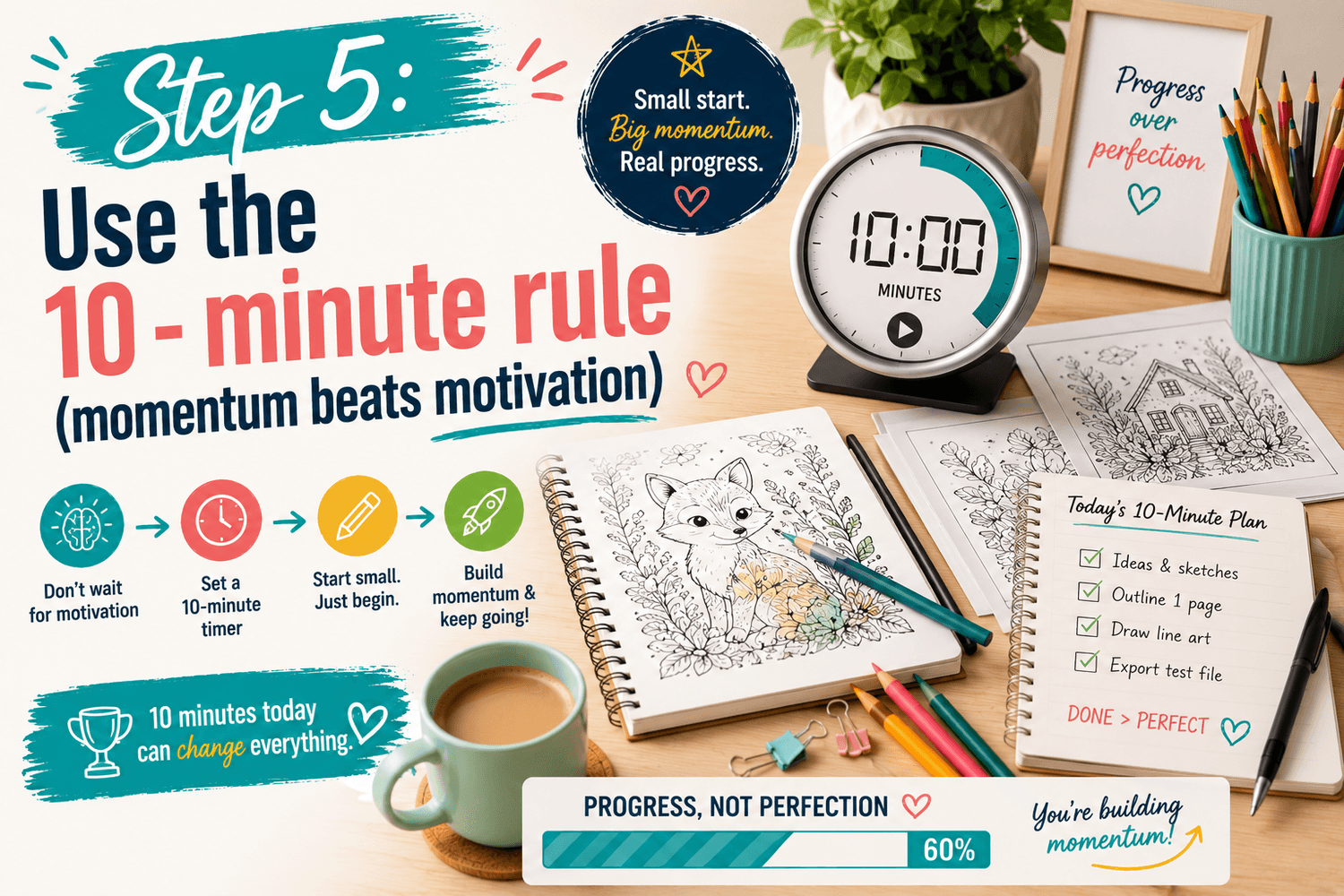
Step 5: Use the 10 - minute rule (momentum beats motivation)
A lot of people think they need a full hour and a perfect setup to color.
You don't.
Set a timer for 10 minutes and do one of these:
pick one small section of a page (like a character or a corner)
test 3 colors you like together
outline / shade just one element
That's it. That's the whole win.
When you keep it small, you'll actually come back tomorrow.
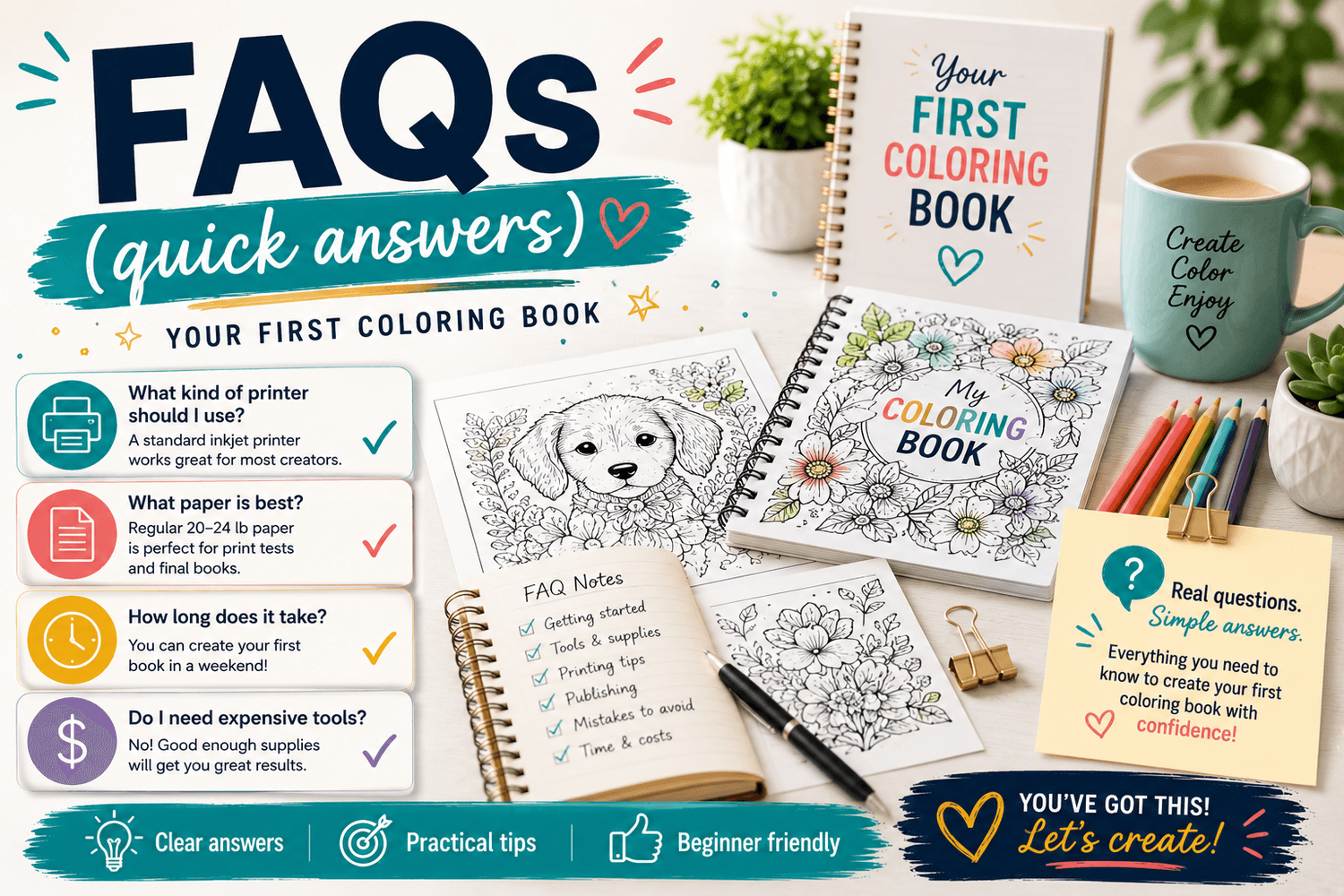
FAQs (quick answers)
Do I need special paper?
No. But if you want an instant upgrade, try cardstock for cleaner lines and less bleed.
Will this work on any printer?
Yes. Most issues come down to print quality settings and scaling start with one test page.
What if I'm overwhelmed by choices?
Pick a theme you like and print 3 pages. You can always switch later - starting is the goal.
Are these one - time purchases or subscription?
One - time purchase. Download once, keep it, print when you want.
What if I want to try before buying?
Grab the free sampler below and test your setup first.
Start Here (free + easy)
If you want the easiest way to start today, grab my free Kawaii Mega Sample Pack. It's perfect for testing your printer settings and seeing what sytles you enjoy before you commit to anything.
Get the free Kawaii Mega sampler right here!
And if you're ready for a full book you can print right now, start with this single:
Kawaii Forest Friends Coloring Book.
If you would like more tips and behind-the-scenes as I build this in public? I post much deeper topics on my main site at Color Me Crazy Club.